


Midjourny, an AI image generation service, is also used in some places in Fruporta.
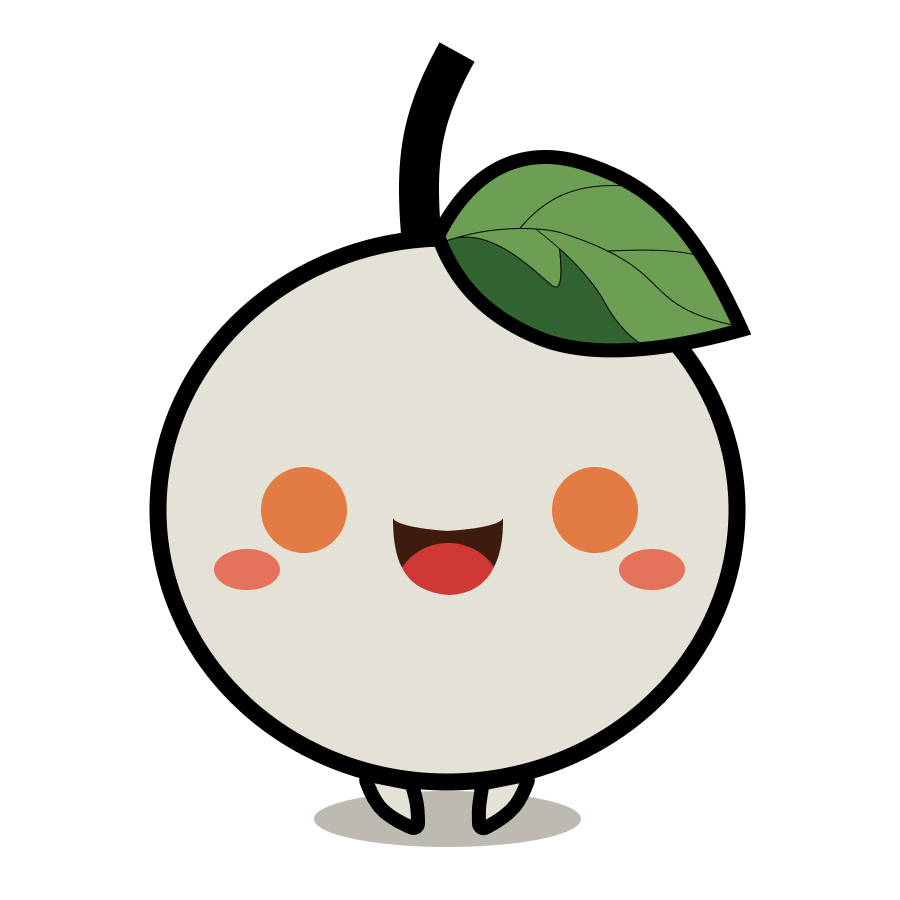
Our official character, Rebecca, is actually created using Midjourney-generated designs. In this article, we would like to tell you about the basics of Midjourny for first-time users (we have only been able to utilise it for eye-catching images, and would like to make more use of it in the future).
Midjourney is a service available via a social networking service called Discord. You can find out how to register on various websites. To put it simply, if you become friends with Midjourney on the SNS called Discord, you can type commands in the talk room about the pictures you want to have drawn, and illustrations will be generated in response to those commands. Basically, the generated images are made public, so it is difficult to use them as originals. In addition, to use the images for commercial purposes, you need to subscribe to a paid plan (the terms of use are revised from time to time, so be sure to check them each time).
Generating images consumes time. Free plans come with a free ’25-minute’ slot, so you can generate around 25 images at a rate of 1 minute per image (the actual time consumed may vary and you will not always be able to generate 25 images). With a paid plan, you can use more time to generate images, and with some plans you can also generate images in a “relax mode”, which does not use your time (but instead slows down the image generation speed).
Details of each plan as follows (As of 2023 March)
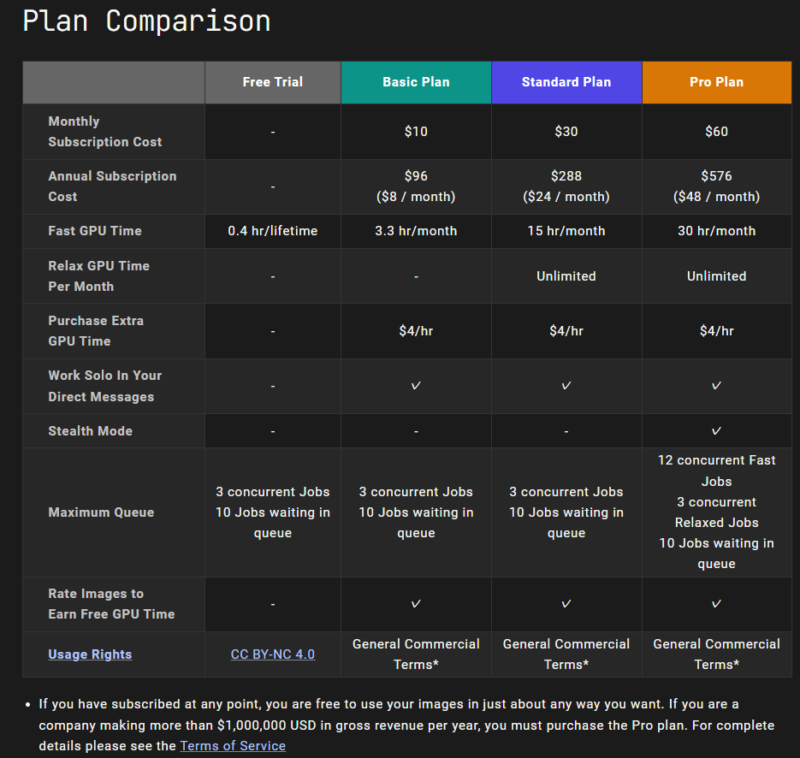
The free plans are Creative Commons BY (Attribution)-NC (Non-Commercial) and cannot be used commercially. On the other hand, all paid plans come with General Commercial Terms, with the following text.
If you have subscribed at any point, you are free to use your images in just about any way you want. If you are a company making more than $1,000,000 USD in gross revenue per year, you must purchase the Pro plan.
In other words, “If you subscribe to a paid plan at any point, you can use the images freely. If your company has more than $1 million in annual gross revenue, buy into the Pro plan!” This is the content. More details can be found in the Terms of Use.
The key to generating images is to log in to Discord and generate images either by direct message with Midjourney or by using the chat space in the server (in other social networking sites, this is a group or community, a space where a number of people can join). When you are generating images in the server, you can see what other members are generating and what commands they are using, which can be helpful. Also, if you like an image that someone else has used, you can use it and regenerate it. With direct messaging, you and Midjourney can generate images on a one-to-one basis. Whichever method you use, as a rule, the image will be publicly available. This means that they are available to everyone and cannot be used exclusively by you. Also, AI-generated images are not copyrighted. If you want to generate images secretly without making them public, subscribe to the ProPlan (USD 60 per month, reduced to USD 48 per month with an annual subscription), which allows you to use the Private mode. If you want to create an original work of authorship, you can use the generated images as a motif for your own creation.
How does image generation work?
Image generation is done via DM on Discord or on the Midjourney server. Basically, you type “/imagine prompt” on the chat, followed by what kind of image you want to generate as prompt, in English (or Japanese, but the accuracy is said to be lower), for example, “boy, Japan, baseball”. The output results will differ depending on which word is used as one element or sought, and the same image will not be generated twice, even if the same command is entered. The size and aspect ratio of the image can also be changed. Commands beginning with “/” are used for other purposes than generating images, such as checking the contract.
Actual generated images
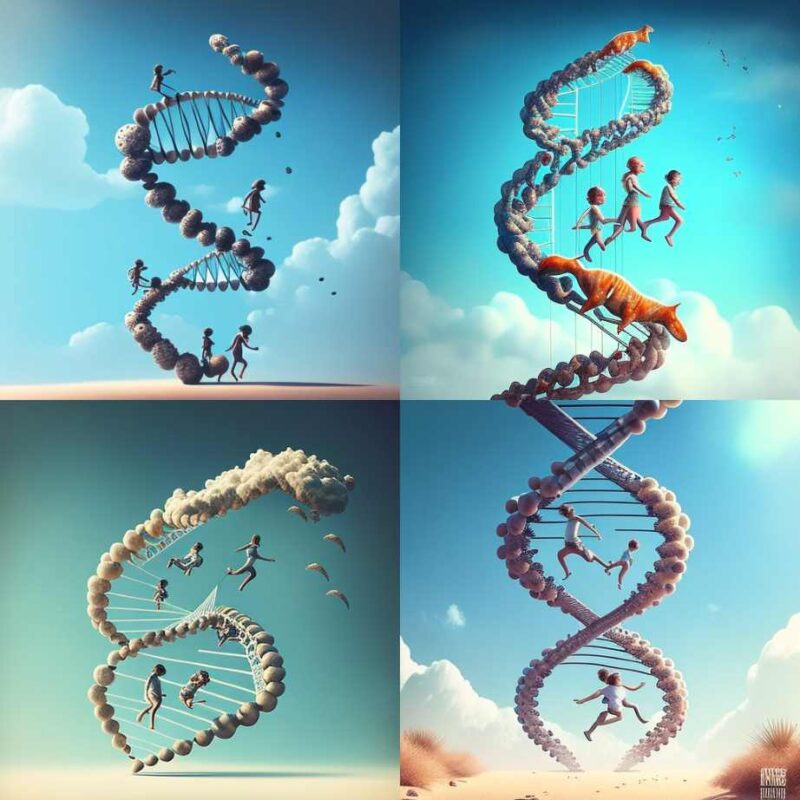
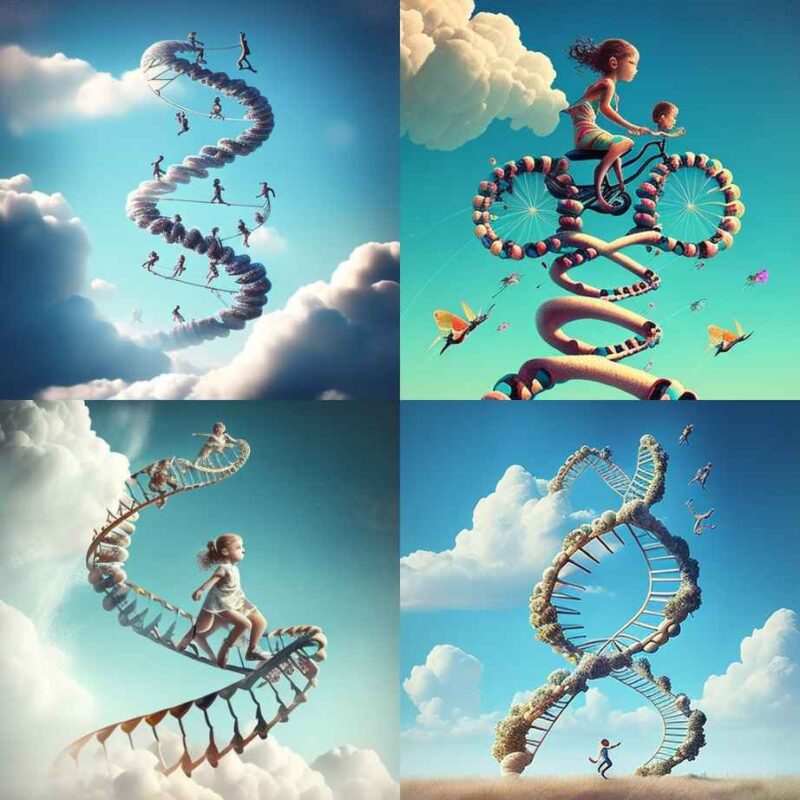
Enough of the technicalities, let me show you how the images actually used in Fruporta were generated. This is the eye-catching image of an article. Midjourney is a bit of an ‘atmospheric’ picture, with the human form flitting about on the DNA, transformed into something else, something ‘human-like’. How you can make it look like that is the technique of prompt input, I suppose.
Midjourney draws on the “impression” of the words,
so devise the expression of fine details.
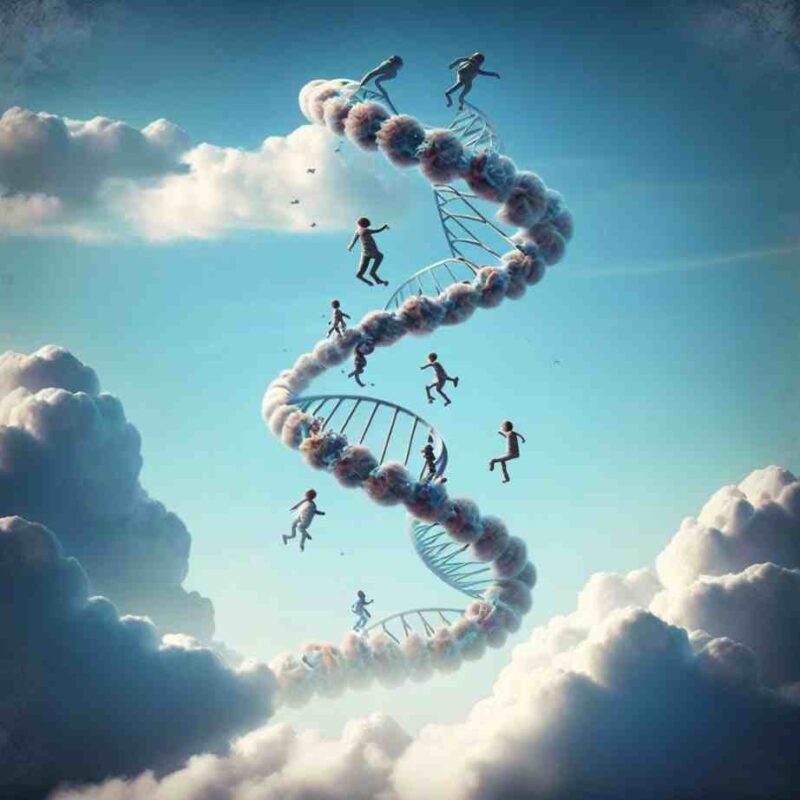
I wanted to generate an image of a child playing in DNA, so I entered the following prompt in Midjourney
style realistic #content A strand of DNA is flying in the blue sky. Children are riding on top of it and having fun.
Entering the prompt in this way generates four images per prompt. In this case, I generated it twice. These are the eight images generated by Midjourney. What do you think? What do you mean? It’s hard to say. It’s hard to give an opinion. When I first saw it, I thought, “This is awesome!” I thought. After all, a work of this quality can be produced in a few minutes.
You can generate another pattern from the generated images by selecting the one you like and pressing the V button. In this case, you will be asked to create another pattern for the top left image on the right side
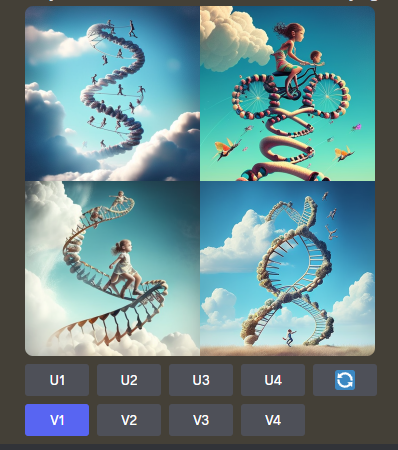
“U”, numbered 1-4 horizontally from the top left, is upscale, which increases the size of the image; “V” is variation, which generates a different version of the selected image. The round arrows can be used to regenerate the image.
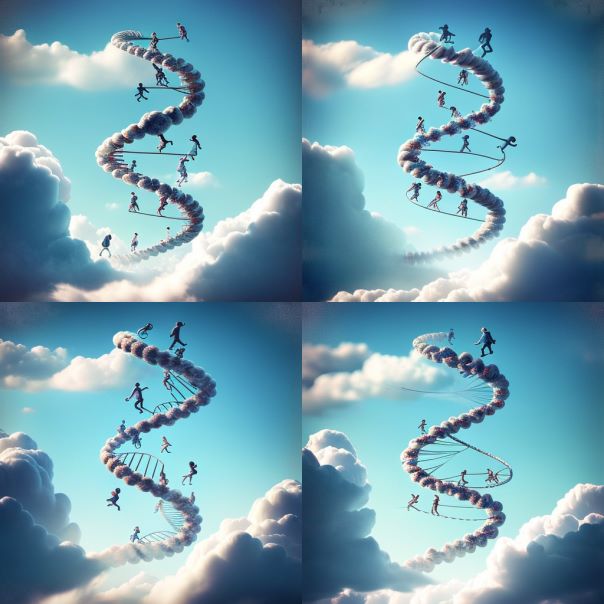
Select the one you like from the variations thus generated. In this case, the bottom left image was upscaled. Even when upscaled, it may not produce exactly the same image, but a slightly altered image.
The time is coming when anyone can design
Midjourney and other AI image generation services make it easy to design original fruit, produce and processed product labels and logos, for example. The fact that anyone can use them is a disadvantage, but from the point of view of the creator of the copied product, it does not really matter whether the logo or design is copyrighted or not (it will be copied anyway).
Also, consumers are not in the age where they can tell whether a single logo is original or not. Whether it is original or not is determined by the sales channel and the information transmitted by the producer. Why don’t producers try using image generation AI to create attractive products?
Characters who could not be Rebecca.
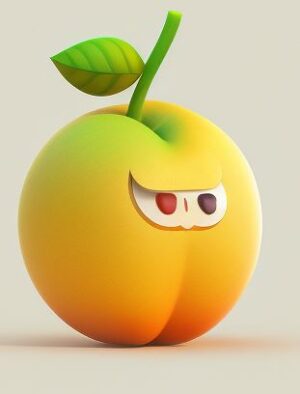
I was not employed as a character.